Kimi K3.1 Pro Explained: Context, Benchmarks and Agent Workflows
Explore Kimi K3.1 Pro's official results and a practical developer evaluation plan covering task acceptance, context, regression checks, completion time and cost.
 PicoX TeamPublished
An agent model becomes interesting when it can leave behind something worth reviewing: a patch that passes the right tests, a usable design file, or an analysis whose claims can be checked. That is the lens we would use to evaluate Kimi K3.1 Pro.
We start with the model specifications, API settings and published scores, then consider what to test in a development workflow. Official results and our own recommendations are kept distinct; we have not benchmarked the model for this article.
The announcement, briefly
Kimi describes its October 24, 2026 release as a K3 post-training upgrade: 3T-class scale, 1M context, and coding, 3D and finance agents. API IDs: kimi-k3.1-pro and kimi-k3.1-pro-highspeed. Highspeed claims 2–3× speed; complete weights are expected by November 4. Official announcement.
Check the client's parameter defaults
The official API guide says thinking is always enabled. reasoning_effort accepts low, high and max, with max the default. Temperature is fixed at 1 and top_p at 0.95; the guide advises leaving both unset. Before reusing an existing client configuration, review any sampling presets it adds automatically.
Coding, 3D and research: inspect the artifact
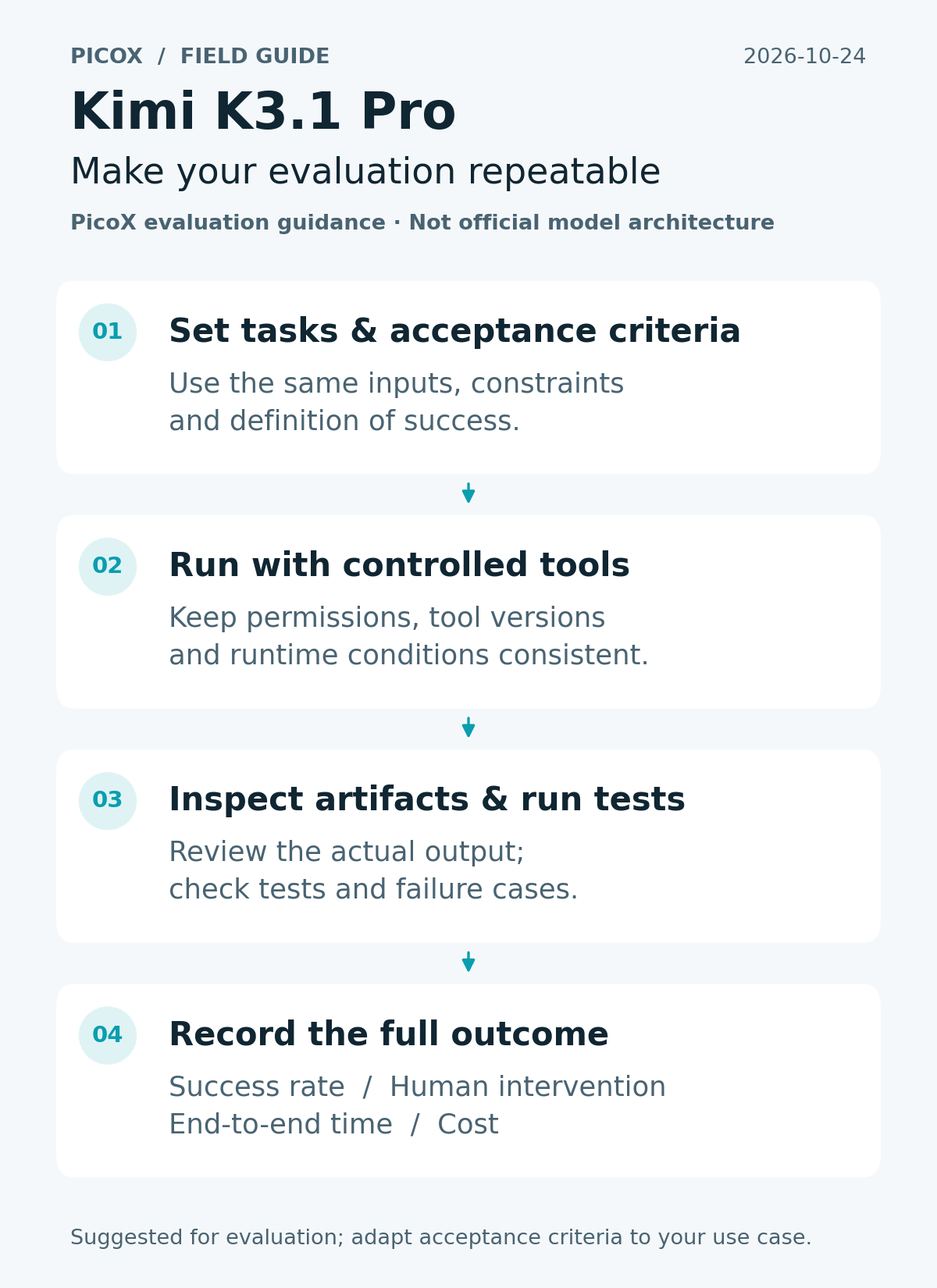
A good trial begins with the acceptance criteria, before the first prompt. Pick a small piece of real work, preserve its inputs, and write down what a reviewer would accept. This makes it easier to tell useful progress from a convincing explanation of unfinished work.
For a repository task, ask for a narrowly scoped fix and a regression test. For a generated file, check that the intended application can open it and that required dimensions or fields survive export. For a document-based analysis, require references to the supplied evidence and make unsupported claims a failure condition. These are suggested test designs, not results reported for this model.
Using a million-token context: organize before adding
Before adding more material to a prompt, make the existing material navigable. A compact task brief can identify the deliverable, constraints, relevant files and order of authority. If two documents disagree, say which one governs. Mark dates and distinguish current requirements from historical notes.
It also helps to separate stable instructions from work in progress. Keep a short checkpoint containing decisions, unresolved questions and the next action. Ask the agent to point to the evidence behind an important choice. That gives a human reviewer a useful entry point and makes a resumed run easier to audit.
Read the scores with their conditions attached
Selected official results are below. Settings: maximum reasoning, temperature 1, top_p 0.95. Tools and harnesses differ. Source and evaluation details.
| Benchmark | Reported result |
|---|---|
| Terminal-Bench 4.0 | 65.7% resolution rate |
| BenchCAD with tools — voxel IoU | 92.7 |
| OfficeQA Pro v2 | 64.4 |
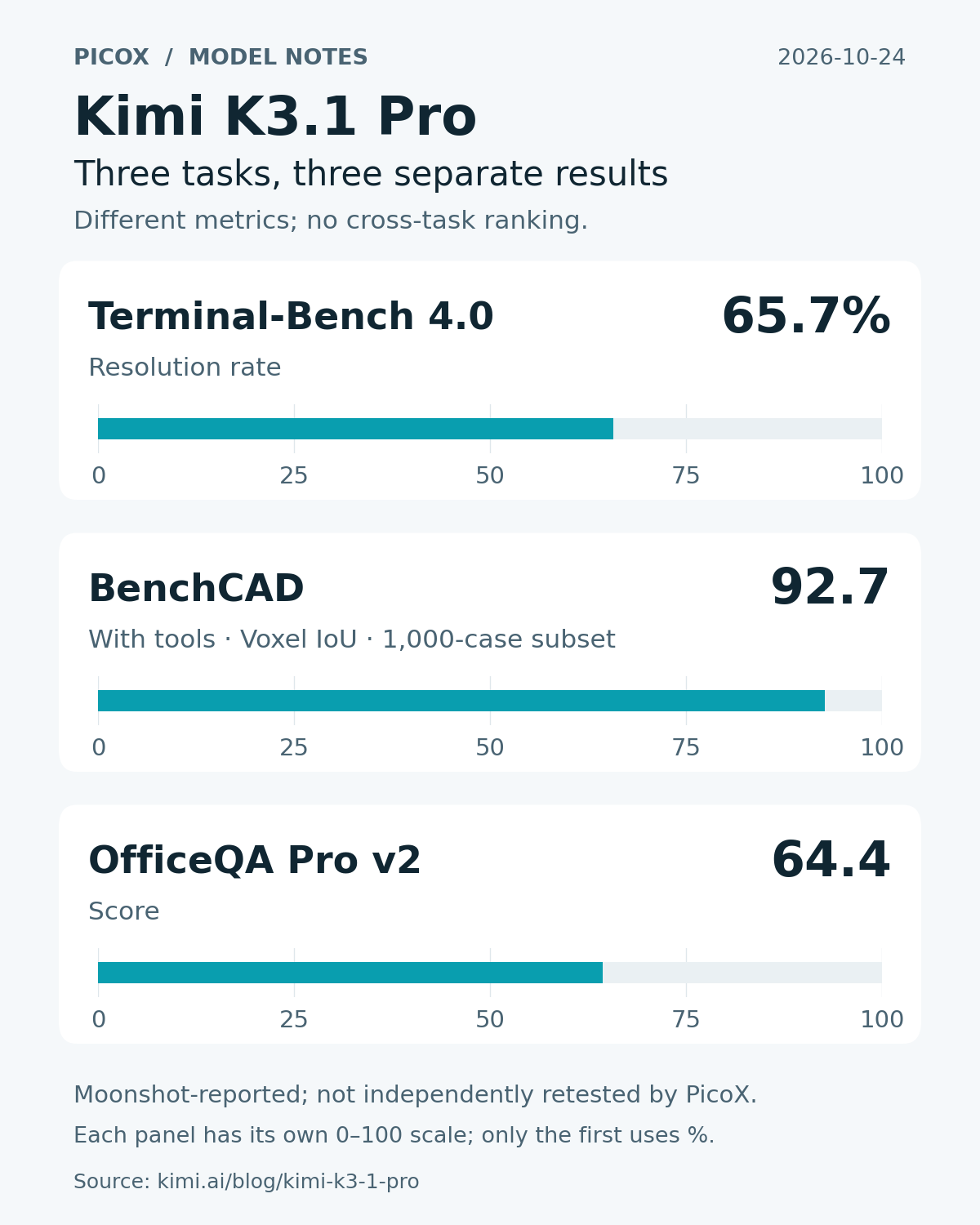
These figures can help you decide what to investigate. They do not tell you whether your permissions, tools, documents and acceptance tests form a reliable system. When comparing candidates locally, use the same task inputs and record any differences in tool access. A result obtained with a richer environment should be labeled accordingly.
Make the evaluation repeatable
Save the prompt, model identifier, parameters, tool versions and environment alongside each run. Keep the artifacts too, rather than only a transcript. A patch, exported file or completed worksheet often reveals problems that a polished final message leaves out.
Repeat representative tasks and record where human intervention was necessary. Separate an incorrect answer from an unavailable dependency, a permission failure or an interrupted connection. Those failures need different fixes. For code, include the existing test suite and a focused regression check; for documents, check both structure and factual support. Choose the checks before looking at the output.
Considering Highspeed: measure first output and completion
The first visible response and the finished task answer different questions. Log when the request starts, when meaningful output first arrives, when tool calls complete, and when the deliverable is accepted. Streaming can make progress visible while work continues; it does not by itself establish a shorter completion time.
For an agent workflow, a fast answer that requires another repair cycle may be slower overall. Track retries, repeated tool calls and reviewer corrections. Set reasonable limits on runtime and iterations, then make a stopped run resumable. This gives a speed comparison a concrete meaning: how long a user waits for work they can actually use.
Compare the cost of accepted work
Build a cost record from actual usage and the applicable billing terms when you run the test. Include failed attempts and retries, any separately billed tools, and the human time needed to verify the output. Keep these components visible so that a cheaper model response is not mistaken for a cheaper completed task.
Start with a small evaluation set and a reviewable workflow. Give the agent only the credentials and permissions that the task needs, and require confirmation before consequential changes. Once results are consistent, expand the workload gradually. A clear acceptance process will remain useful even as the model choices change.
Sources and next steps
Model facts and reported scores come from Kimi's official announcement and API guide, checked on October 24, 2026. The workflow and evaluation recommendations are editorial guidance, not measurements.
For platform information, see the PicoX API documentation and model catalog. Check the catalog for current model availability and supported capabilities.